See every step, frame by frame.
Gait Positive turns an iPhone into a gait camera for the clinic. Record a client on the treadmill or overground at up to 240 fps. Slow it down, see the skeleton on the video, and read knee, hip and shank angles. All on the phone.
- Treadmill and overground
- No markers or sensors
- Nothing uploaded
Built by a practising podiatrist in Brisbane, for the clinicians who watch people walk and run every day
- Podiatrists
- Physiotherapists
- Exercise physiologists
- Running clinics
Gait video you can measure, without a gait lab
The eye misses what happens in a tenth of a second. Slow it down, freeze the frame, and put a number on it.
High-speed slow motion
Up to 240 fps. Play at 1×, ½, ¼ or ⅛ speed, or step one frame at a time.
Skeleton on the video
On-device pose tracking follows hips, knees, ankles, heels and toes. 2D angles for knee, hip and shank.
Private by design
Clients and videos live on the iPhone with file protection. No account. Nothing is uploaded.
From the treadmill to the file
Treadmill or overground, any view
Choose the setting and the camera view, then record. The screen tells you where to put the phone: level at knee height, 2–3 m away.
- Up to 240 fps on the main camera
- Side, rear or front view
- Belt speed and footwear saved with the session
Slow motion with the skeleton on top
Scrub to the moment you care about: initial contact, midstance, toe-off. The pose skeleton and the angles stay on the video.
- 1×, ½, ¼ and ⅛ speed, and frame step
- Hips, knees, ankles, heels and toes
- 2D knee, hip and shank (tibia) angles
Show the client. Keep the record.
Export the video with the skeleton drawn on it, to show the client or the referrer. Export the CSV data for your own records or a spreadsheet.
- Video with skeleton (.mp4)
- Data (CSV): one row per analysed frame
- Original video
Screens recreated from the app's interface. Demo clients and drawn figures, not real people.
Four steps, in the consult
From the client list to a measured, exported session.
Set up the capture
Open the client and tap New Gait Capture. Choose Treadmill or Overground, the camera view (side, rear or front), and the footwear.
~10 secondsRecord
Phone level at knee height, 2–3 m away, whole leg and foot in the frame. Record at up to 240 fps.
a few seconds of gaitSlow it down
Play back at 1×, ½, ¼ or ⅛ speed, or step frame by frame. The skeleton follows hips, knees, ankles, heels and toes.
on the iPhoneMeasure, export
Read the 2D knee, hip and shank angles. Export the video with the skeleton drawn on, and the CSV data.
when you are ready
One stride, four moments
Step through the stride and the skeleton and knee angle update on every frame.
Wherever you watch gait
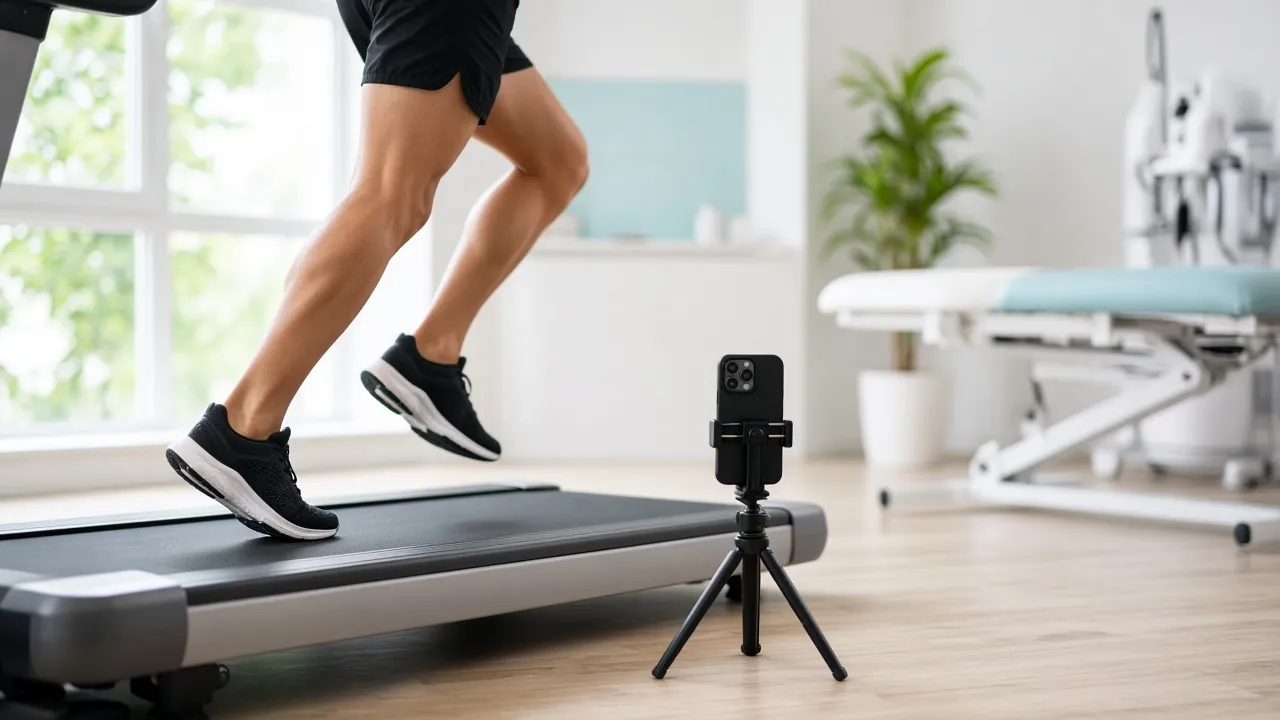
On the clinic treadmill
Set the belt speed, film from the side or behind, and review it with the client before they step off.
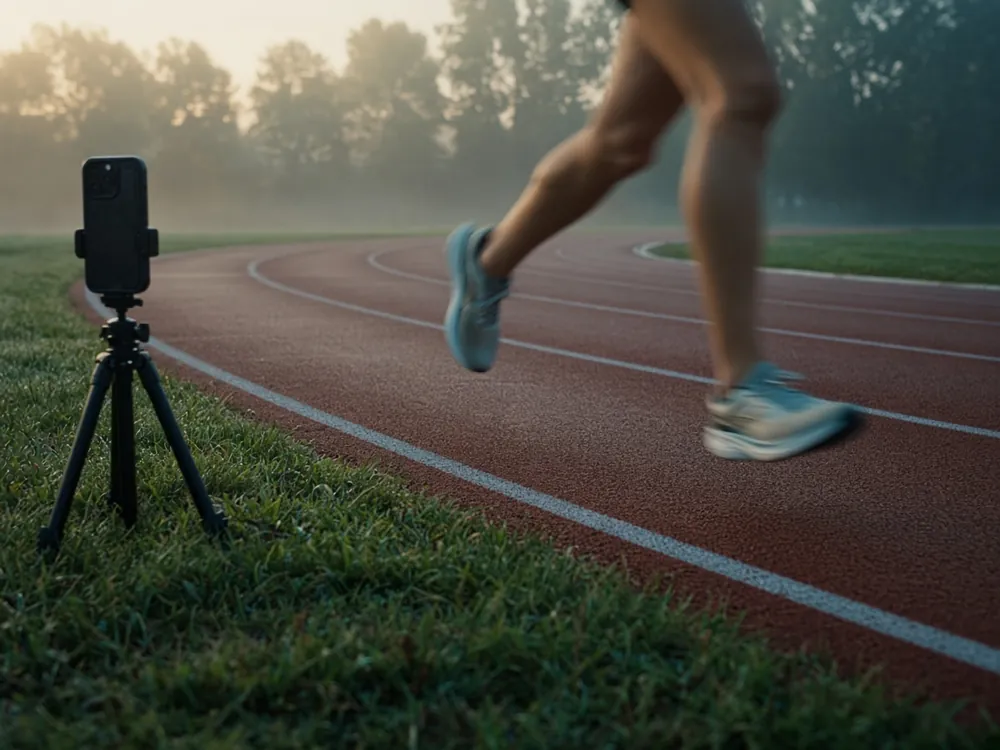
Overground
A corridor, a car park or a track. Film the client walking or running past the phone.

Review and follow-up
Keep every session with the client. Film again after new shoes, orthoses or rehab.
Photographs are AI-generated illustrations, not real clinics or clients.
Made for clinicians who assess walking and running
Built by a working podiatrist. Australia first.
- PodiatristsGait, footwear and orthoses
- PhysiotherapistsRunning and rehab
- Exercise physiologistsMovement and load
- Running clinicsTreadmill assessments
What we are building next
These are planned. They are not in the app yet.
Flags against usual ranges
Cadence, overstride, vertical oscillation, knee flexion at contact, pelvic drop and crossover, shown next to published usual ranges.
Side-by-side compare
Two sessions next to each other: shoes, orthoses, or rehab week 1 and week 6.
PDF report
Stills, angles and notes in one report for the client or the referrer.
Speed-matched normal curves
Joint-angle curves over the gait cycle, compared with published curves at a similar running speed.
Foot Positive: the foot, in 3D
Gait Positive is the companion to Foot Positive, the iPhone 3D foot scanner for podiatrists, orthotists and pedorthists.
- Same clinical look, same on-device privacy
- Scan + gait for the same client: coming

Founding clinic pricing
Pricing is not set yet. Join the waitlist and you will hear first.
Common questions
What does it do?
Gait Positive records walking and running with the iPhone camera, on a treadmill or overground. You play it back in slow motion, see a pose skeleton on the video, and read 2D joint angles: knee, hip and shank (tibia).
Which iPhones are supported?
iPhones on iOS 17 or later. The frame rate depends on the camera in your iPhone: up to 240 fps where the main camera supports it. Each session shows the frame rate it was recorded at.
Do I need markers, sensors or extra hardware?
No markers and no sensors. The skeleton comes from the video. A phone stand or tripod helps you keep the phone level at knee height, 2–3 m from the client.
Where are the videos stored?
On the iPhone, with the client, under iOS file protection. Nothing is uploaded. There is no account. Video leaves the phone only when you export it.
What can I export?
Three files: the video with the skeleton drawn on it, the data as CSV (one row per analysed frame: body points and 2D angles), and the original video.
Does it diagnose anything?
No. Gait Positive is a measurement and video tool. It does not diagnose. Clinical judgement stays with the clinician.
How accurate are the angles?
They are 2D measurements from one camera view. They change with camera height, distance, view, lighting and clothing. The app has not been validated against a lab system yet. Use the numbers to track and compare a client under the same set-up, and judge them with your own eyes on the video.
Join the waitlist
Gait Positive is in TestFlight beta now. It is not on the App Store yet. We are adding clinics in small groups, Australia first. Tell us about your clinic and we will be in touch.
- Founding clinic pricing
- Video stays on your iPhone
- Direct line to the podiatrist who builds it